Ladrok TV
Android TV for the Raspberry Pi 5. Quiet, and yours.
A system and three apps, built to work together: a home screen without clutter, an app store that keeps everything up to date, and your phone as the remote.

Ladrok TV
The systemAndroid TV for the Raspberry Pi 5, built from Google’s open-source Android 17 with nothing added you don’t need. Write it to an SD card, pick your language, region and time zone with the remote, and watch.
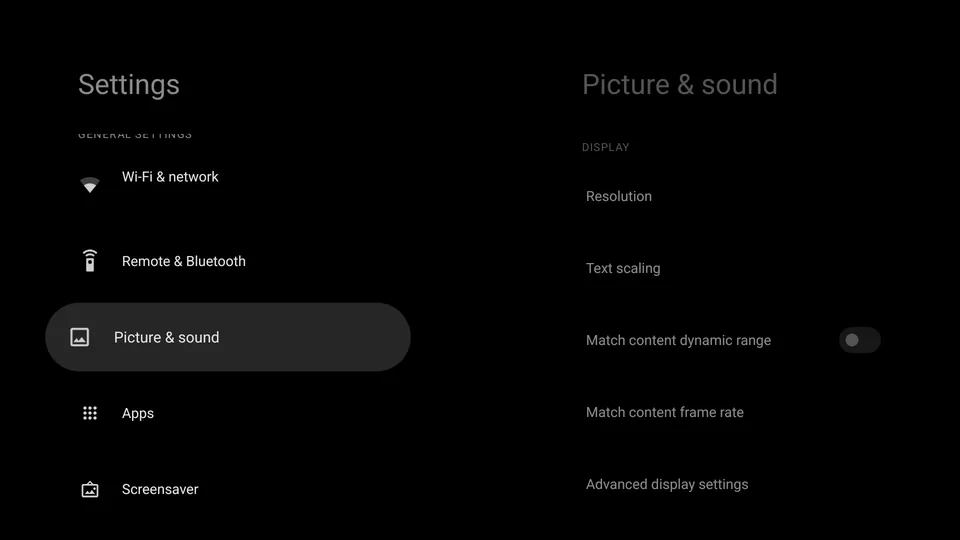
- The whole system looks like the home screen: black and grey, a short Settings list, and a quiet clock when the TV rests.
- A sleep timer: the sleep key cycles Off, 30, 60, 90 and 120 minutes from any app. A minute before the end you can cancel; then playback pauses and the TV goes to standby over HDMI-CEC.
- Updates in the background while you watch (A/B). If a new version fails to start, the previous one boots again.
- SELinux enforcing, everything signed with its own release keys.
Ladrok Launcher
The home screenTwo columns, the date and time, and the name of whatever has focus. Nothing else.
- Left: what you watched last, large. Press Home, then OK, to continue. Then Watch Next and the Channels you switch on.
- Right: your apps as a phone keypad. The digits 1–9 on the remote open them.
- Back jumps from your apps straight to what you watched last, and back again. One press, no scrolling.
- Long-press OK on a Tile to move it, or switch its Channels and Watch Next.
- Works with a pointer too, such as an air mouse: pointing focuses, a click opens, a long click opens the menu.
Ladrok Store
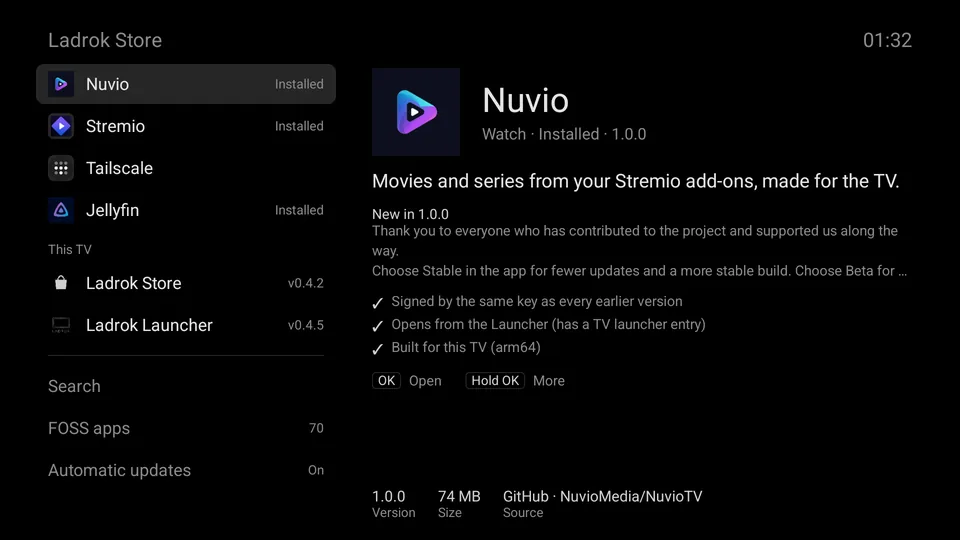
The app storeA short list of TV apps picked by Ladrok, straight from their own releases.
- Installs and updates silently. Updates wait until the app is not in use, and can be switched off.
- Every APK is checked before it reaches the TV: package, TV launcher entry, ABI, signing certificate.
- A second screen, FOSS apps, for free and open-source software: apps whose code anyone can read, check and improve. They come from Awesome Android TV FOSS Apps, a list kept by the community, refreshed daily and put through the same checks. Ladrok has not tried them all.
- One search covers both lists.
- It is the only updater on the TV: it also keeps itself and the Launcher up to date.
Ladrok Remote
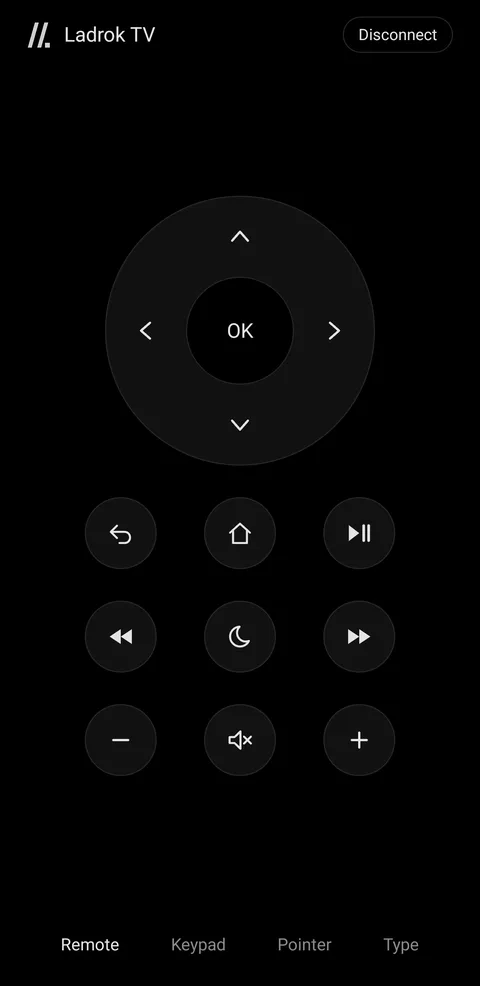
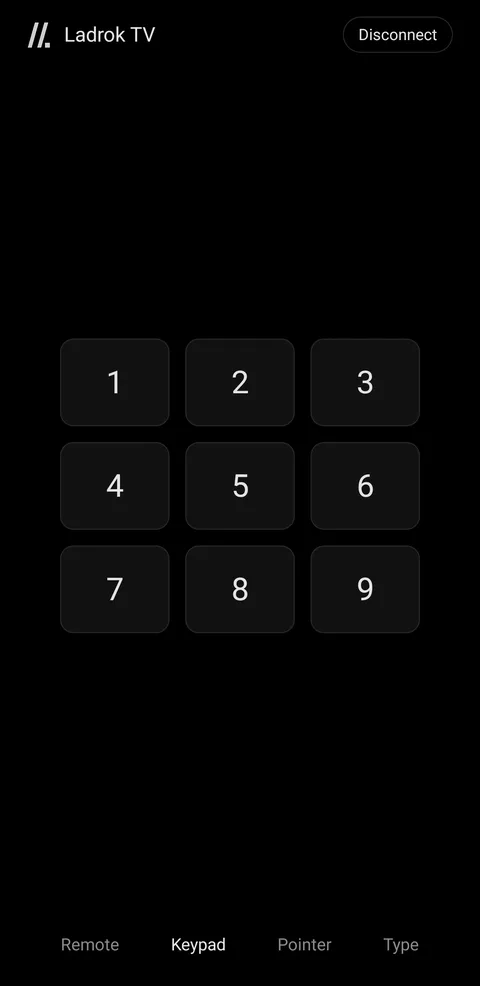
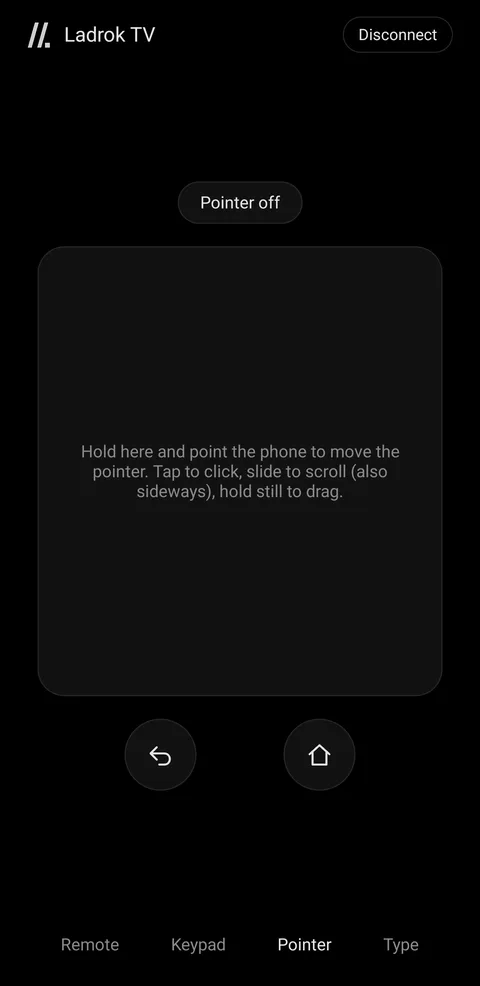
Your phone as the remoteAn Android app that pairs with the TV as a Bluetooth keyboard. The arrows and OK, Back and Home, playback and volume, the sleep timer, 1–9 for your apps, and typing for search boxes.
- Pointer: turn the phone to move a pointer on the TV. Tap to click, slide to scroll, hold still to drag. Switch it on to point without a thumb on the pad.
- The moon key sets the sleep timer.
- Android 12 or newer. It is the remote only while the app is open.
- Pair once in Settings › Remotes & Accessories; after that it reconnects by itself.


install
- Get a Raspberry Pi 5 and an SD card of 32 GB or more.
- Download
ladrok-tv-<version>-user.img.xzfrom the latest release. - Write it with Raspberry Pi Imager (Use custom, no OS customisation), then boot the Pi.
Updates arrive by themselves through Settings › About › System update. Tested on a Pi 5 (8 GB) with a 1080p TV.